Adding your flow sensor FS4220 / FS4221 to Neviweb
Discover how to configure your new flow sensor using the Neviweb app
Adding your flow sensor FS4220 /FS4221 to Neviweb
Discover how to configure your new flow sensor using the Neviweb app
Getting started
To configure and use your flow sensor, you will first need to download the latest version of the Neviweb app, available on the App Store or Google Play Store.
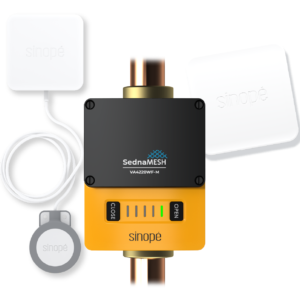
You will also need to have previously added the Sedna VA4220WF/VA4221WF or VA4220ZB/VA4221ZB valve to Neviweb, installed and connected the FS4220/FS4221 sensor to the smart water valve. Additionally, ensure that Wi-Fi is activated on your mobile device.
1
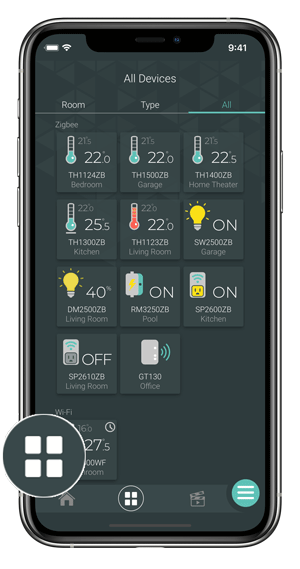
Go to the Device List page by tapping the middle icon at the bottom of the app.
2
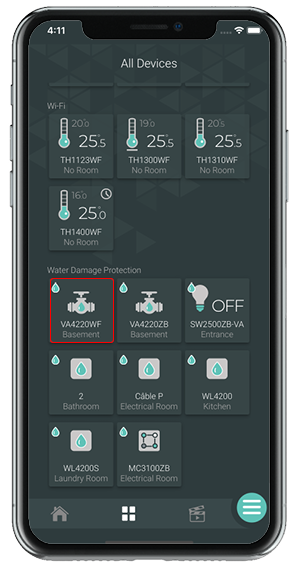
From the All Devices page, select your 2nd generation Sedna valve.
3
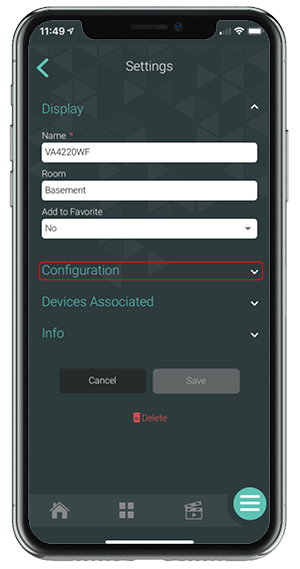
Press the Settings icon.
4
Once on the Settings page, go to the Configuration section.
5
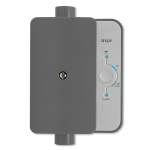
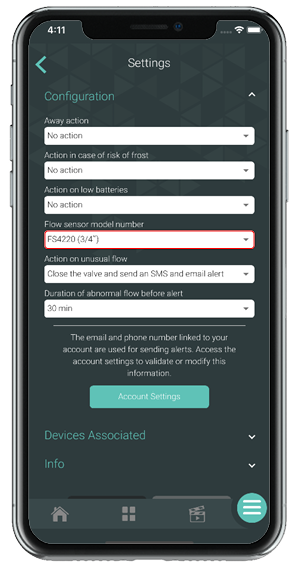
Select the flow sensor model number and configure the other settings as needed. Press Save.
Next step
You can now customize the settings of your flow sensor.