
How can I find out the model or version of my device?
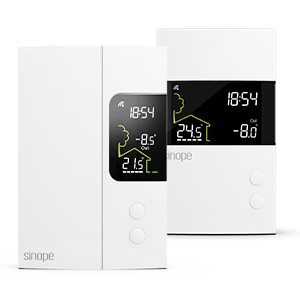
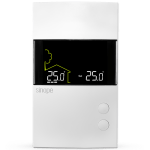
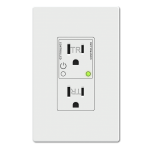
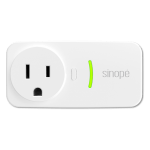
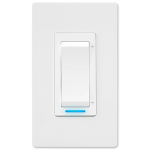
Models 1122 and later* of the TH1120RF electric heating thermostats are compatible with the Eco Sinopé feature. Only software versions 0.1.1 and above of the multifunction controller can participate in Eco Sinopé.
Follow these steps to find out the model or version of your device:
- Access your Neviweb account.
- From the dashboard, tap the center icon at the bottom of the screen to access your device list.
- Select your thermostat and then access its settings.
- Tap Info to find out your device’s model number or version.
* To find out why some Sinopé devices are not supported by Eco Sinopé, click here .
Recherchez d'autres sujets
Find below the problem you are experiencing to know what to do.
If you still need help , contact Sinopé technical support.
What happens if my automations activate during a peak event?
How do I put my profile on hold?
What happens if I change the setting on my device during a peak event?
Why is my device not supported by Eco Sinopé?
What does the setpoint temperature displayed on the thermostat screen represent during a peak event?
What does the setpoint temperature displayed in the Neviweb app represent during a peak event?
Why is my thermostat not in Eco Sinopé (DR) mode during the peak event?
Why is the DR icon flashing on my thermostat screen?
What happens if there is an internet outage during a peak event?
Why does Sinopé’s Eco mode activate two hours before the peak event?
How do I activate Eco Sinopé push notifications?
Do geofencing, automation, and scheduling negate the peak event?