Search
[ivory-search id="43527" title="Thermostats"]

Interfaces for wall-mounted heat pump

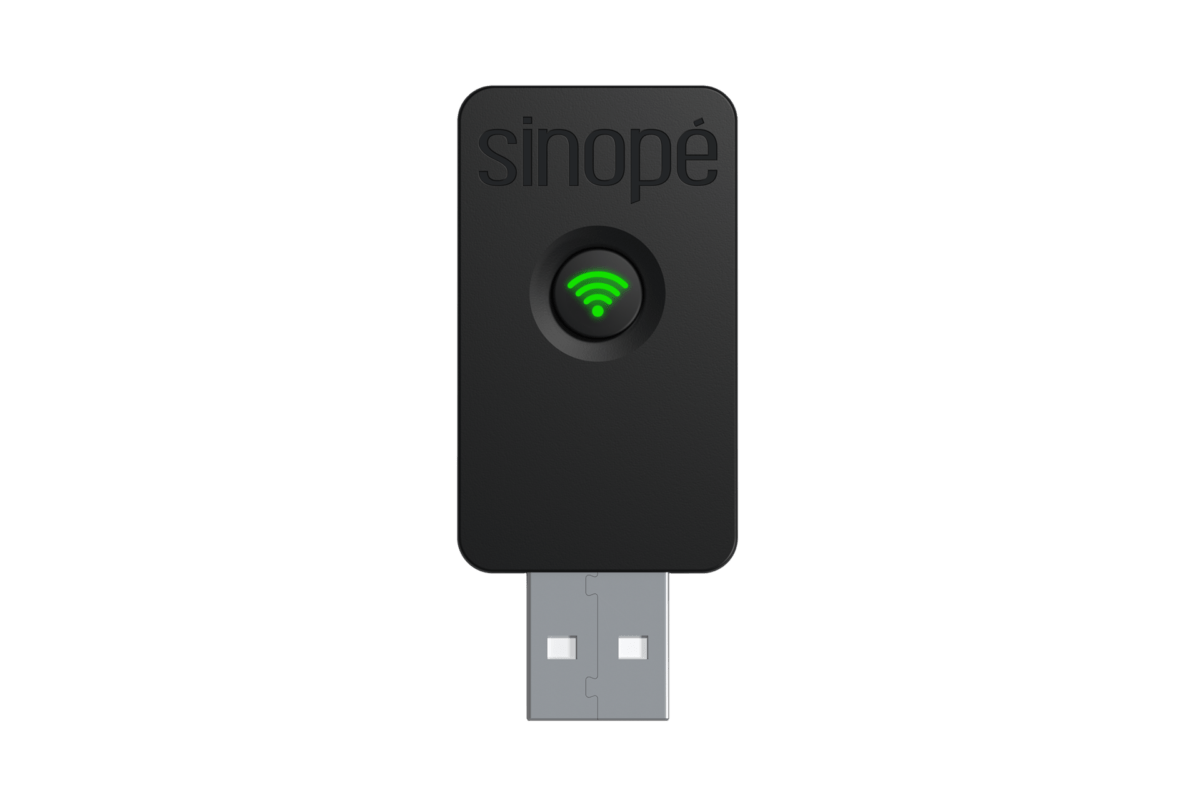
HP6000WF

Wi-Fi

Interface for HP6000WF-MA wall-mounted heat pump

Learn more about your interface for the HP6000WF-MA wall-mounted heat pump.
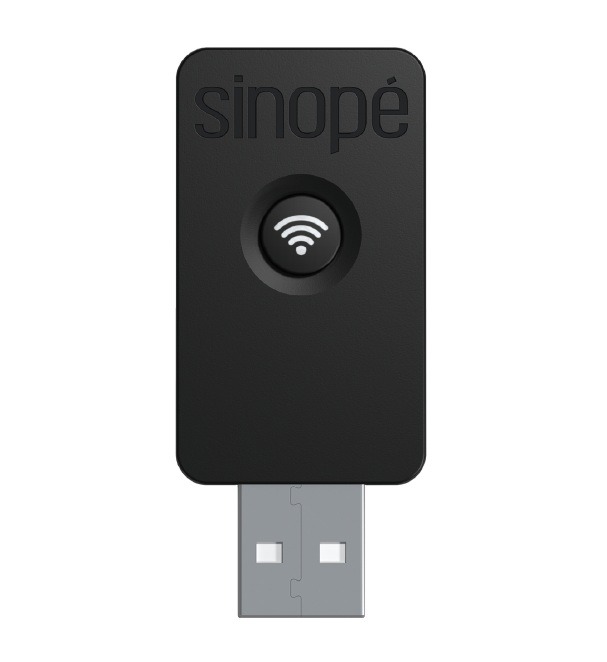
Interface for HP6000WF-TCL wall-mounted heat pump

Learn more about your interface for the HP6000WF-TCL wall-mounted heat pump.

FAQ

The Wi-Fi heat pump interface is compatible with the following platforms*:

  • Sinopé App
  • Amazon Alexa
  • Google Assistant

*The features offered may vary from one platform to another.

The Sinopé app allows you to access all the features of your wall-mounted heat pump interface.

  1. Download the Sinopé app on your mobile phone to finalize the interface configuration.
  2. Go to the Device List page by pressing the center icon at the bottom of the application.
  3. From the Room or All tab, tap + Add a device .
  4. Go to the Thermostats section, select the device to add (HP6000) and follow the steps in the installation wizard.

To restore the wall-mounted heat pump interface to its factory default settings, open the wall unit cover, then press and hold the interface button for 10 seconds until the indicator light flashes red three times to indicate disconnection.

Répondez aux questions suivantes afin de déterminer si l'appareil est compatible avec votre installation

Quel type de chauffage voulez-vous contrôler?

Est-ce que vous avez déjà une passerelle installée à votre domicile ?

Une passerelle à quoi ça sert

Une passerelle permet de contrôler vos appareils à partir de votre mobile. Une fois branché et l'application installé sur votre mobile, vous pouvez ajouter chacun de vos appareils pour un contrôle rapide et sans vous déplacer.

Il est aussi nécessaire d'avoir une passerelle afin de connecter vos appareils aux différents écho-systèmes tel que Neviweb, SmartThings, Amazon Alexa, Google Assistant, Apple HomeKit.

Résultat de compatibilité

We are pleased that this article helped you.