



Discover how to configure your new HVAC thermostat using the Neviweb app
Discover how to configure your new HVAC Thermostat using the Neviweb app
To configure and use your HVAC Thermostat, you will first need to download the latest version of the Neviweb app, available on the App Store or Google Play Store.
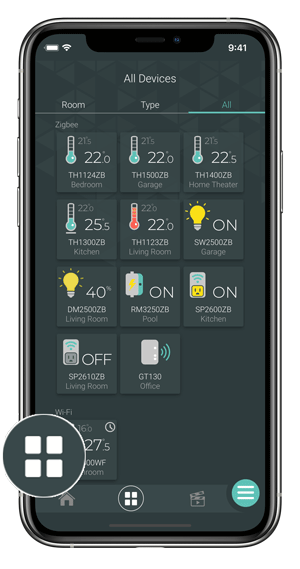
Go to the Device List page by tapping the middle icon at the bottom of the app.
From the Room or All tab, tap + Add device.
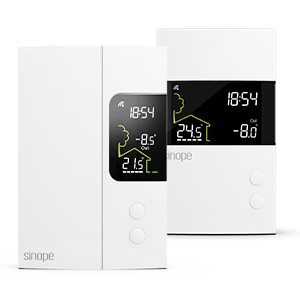
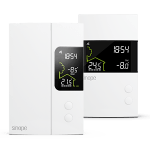
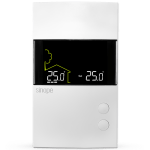
Go to the Thermostats section, select the device to add (TH6250WF) and follow the steps of the installation wizard.
You can now customize your Smart Thermostat Lite settings.
You will find below the most common issues you may encounter.
If you still need help, contact Sinopé technical support.
Ce site est offert dans d'autre langue. Veuillez choisir votre préférence.