

Discover how to configure your new tank monitor using the Neviweb app
Discover how to configure your new tank monitor using the Neviweb app
To set up and use your tank monitor, you will first need to download the latest version of the Neviweb app, which is available on the App Store or Google Play Store.
You will also need to have previously installed the tank monitor , connected the Sinopé GT130 gateway to your Wi-Fi router, and ensured that Wi-Fi is enabled on your mobile device and that it is connected to a Wi-Fi network.
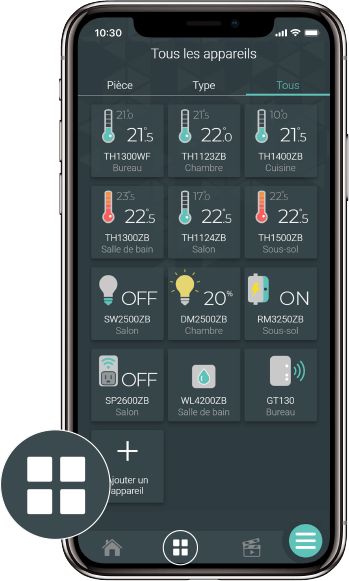
Go to the Device List page by tapping the middle icon at the bottom of the application.
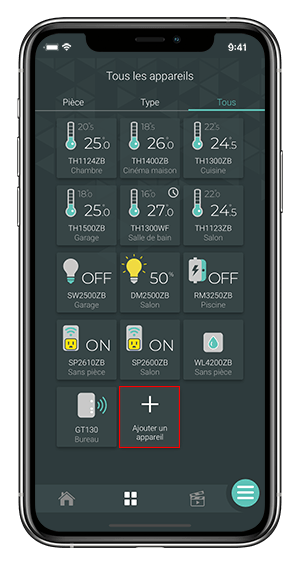
From the Room or All tab, tap + Add a device .
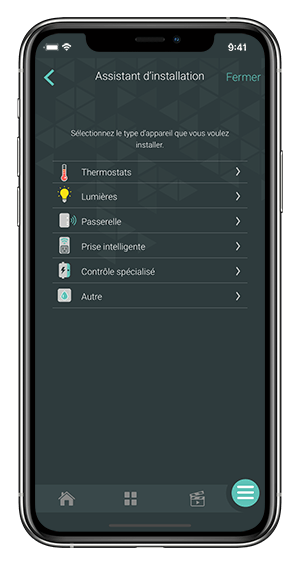
Select Specialized Control , then the device you want to add. Follow the steps in the installation wizard.
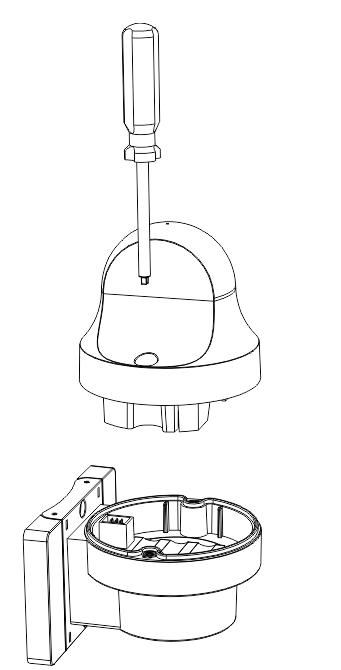
Replace the top part of the monitor on the base and tighten firmly (9 foot-pounds or 12.2 Nm of torque required) to ensure the monitor is watertight.
Find below the problem you are experiencing to know what to do.
If you still need help , contact Sinopé technical support.