

Discover how to configure your dimmer using the Neviweb app
Discover how to configure your dimmer using the Neviweb app
To configure and use your dimmer, you will first need to download the latest version of the Neviweb app, which is available on the App Store or Google Play Store.
You will also need to have previously installed the dimmer , connected the Sinopé GT125 gateway to your Wi-Fi router and ensured that Wi-Fi is enabled on your mobile device and that it is connected to a Wi-Fi network.
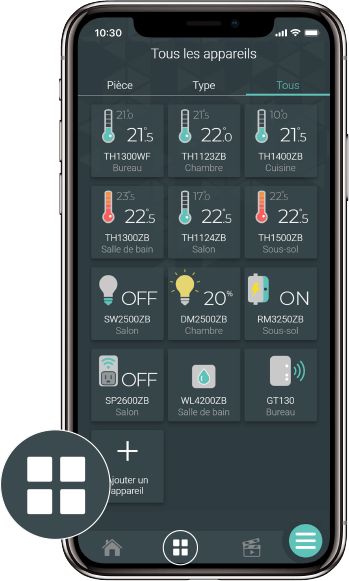
Go to the Device List page by tapping the middle icon at the bottom of the application.
From the Room or All tab, tap + Add a device .
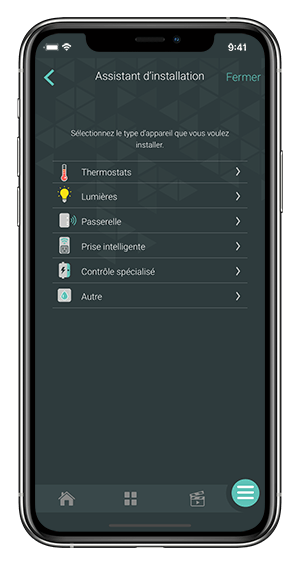
Select the device to add and follow the steps in the installation wizard.
Find below the problem you are experiencing to know what to do.
If you still need help , contact Sinopé technical support.