
Locking and Unlocking via the App
The keypad of a thermostat is “unlocked” by default. This means the buttons (or keypad) are “functional” and the thermostat can be controlled manually, directly from the device. It is possible to lock the thermostat buttons to prevent any unintended setpoint changes.
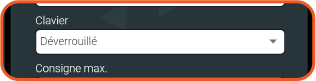
You can lock the buttons on your device by selecting this option in the device settings within Neviweb.
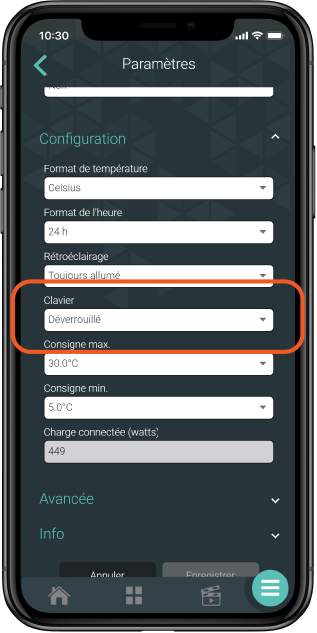
Locking Options
The buttons can be locked with different options (full lock or limited lock, the latter only allows changing the setpoint and prevents configuration and device disconnection).
(Pro Tip) This feature is particularly useful for short-term rentals and families with young children to avoid any accidental manipulation.
How to Unlock Without the App
Here are the steps to unlock your Zigbee electric or low voltage floor heating thermostat:
- Unplug the GT130 gateway.
- Turn off the thermostat circuit breaker, wait a few seconds, then turn it back on.
- Wait a few seconds for the lock icon to disappear from the thermostat screen, or press one of the buttons to check if it disappears.
- Perform the thermostat reset:
- Hold down the upper button to increase the temperature until the display changes menu.
- Hold both buttons until CLR appears on the screen.
- Press the upper button once to switch from NO (N) to YES (Y).
- Press both buttons, then release them immediately. DONE will appear, then the thermostat will restart.
- Plug the GT130 gateway back in.
- Reconnect the thermostat by clicking “Add a device” in the Sinopé Neviweb app
Product models associated with these articles:
- (Zigbee) TH1300ZB, TH1400ZB