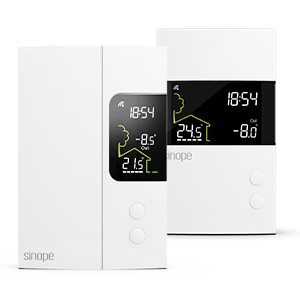
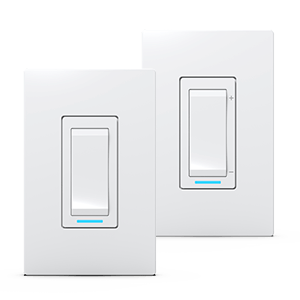
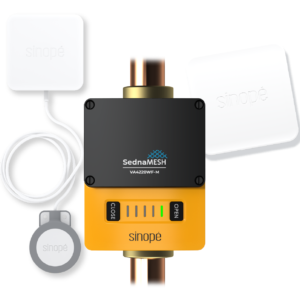
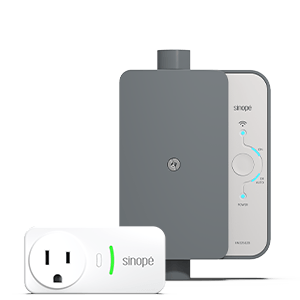
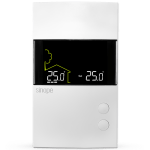
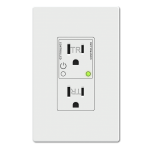
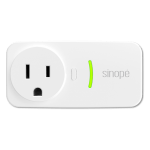
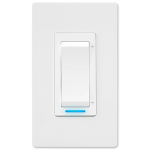
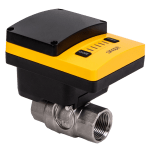
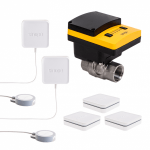
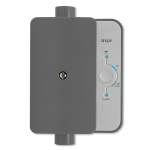


Select the device to delete and access the device settings  .
.


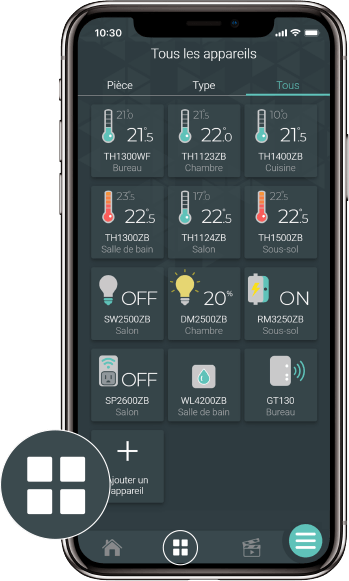
Go to the Device List page by tapping the middle icon at the bottom of the app.
Select the device to delete and access the device settings .
Tap on Delete and confirm your choice.