

[detecteur_de_langue]
- Docs Neviweb
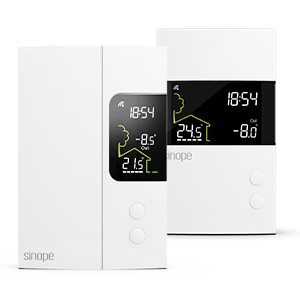
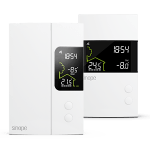
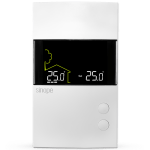
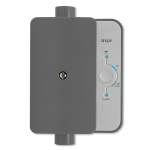
- Adding your OTH3600-GA-ZB thermostat
Discover how to configure your new smart thermostat for electric floor heating using the Neviweb app
Discover how to configure your new smart thermostat for electric floor heating using the Neviweb app
To configure and use your thermostat, you will first need to download the latest version of the Neviweb app, available on the App Store or Google Play Store.
Go to the Device List page by tapping the middle icon at the bottom of the app.
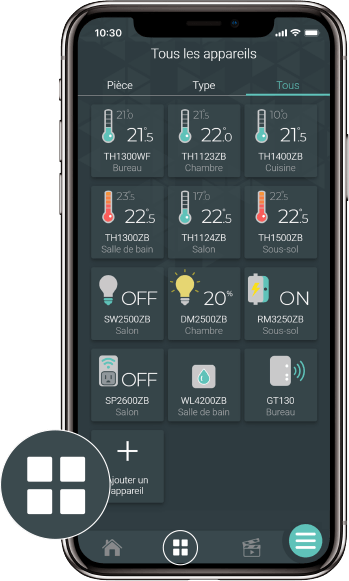
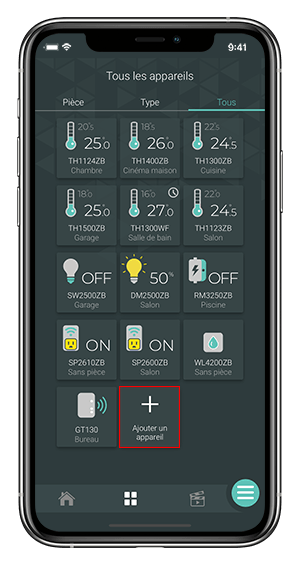
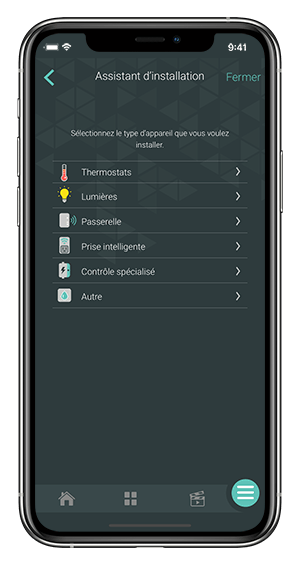
From the Room or All tab, tap + Add device.
Select the device to add and follow the steps of the installation wizard.
Ce site est offert dans d'autre langue. Veuillez choisir votre préférence.