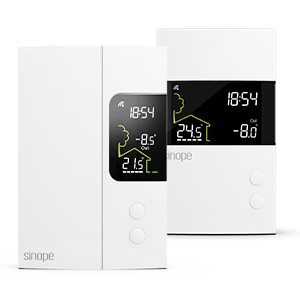
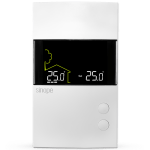


How do I unlock my Wi-Fi thermostat?
- Unplug the router to turn off Wi-Fi.
- Turn off the thermostat circuit breaker, wait a few seconds and turn it back on.
- Wait a few seconds until the lock disappears from the thermostat screen.
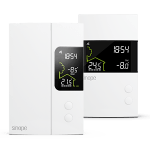
- Reset the thermostat:
A. Press and hold the top button to increase the temperature until the display changes to the menu.
B. Hold both buttons until CLR appears on the display.
C. Press the top button once to increase the temperature; the display will change from NO to YES.
D. Press and release both buttons immediately; DONE will appear on the display and the thermostat will restart.
- Reconnect the router.
- Reconnect the thermostat by clicking on « Add a device » in Neviweb.