
Aucun article dans le panier.
Rechercher
HP6000ZB-MA heat pump interface

Ductless heat pump interfaces

HP6000WF

Wi-Fi

HP6000ZB-MA heat pump interface

HP6000WF-MA ductless heat pump interface

Find out more about the HP6000WF-MA ductless heat pump interface.
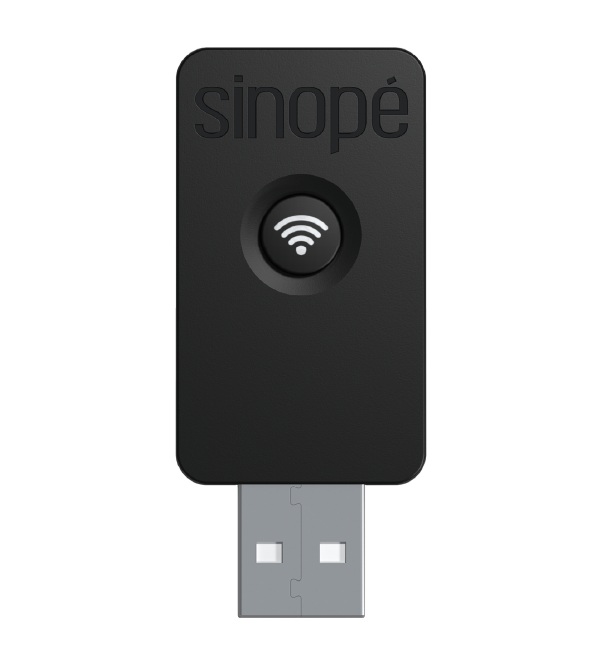
HP6000WF-TCL ductless heat pump interface

Find out more about the HP6000WF-TCL ductless heat pump interface.

The Wi-Fi heat pump interface is compatible with the following platforms*:

  • Sinopé app
  • Amazon Alexa
  • Google Assistant


*Features may vary from one platform to another.

The Sinopé app gives you access to all the features of your ductless heat pump interface.

  1. Download the Sinopé app to your mobile phone to complete the interface setup.
  2. Go to the Device List page by tapping the icon in the center at the bottom of the app.
  3. From the Room or All tab, tap + Add Device.
  4. Go to the Thermostats section, select the device to add (HP6000), and follow the steps in the installation wizard.


To restore the ductless heat pump interface to its factory default settings, open the cover of the indoor unit, then press and hold the interface button for 10 seconds until the indicator flashes red three times to confirm the reset.

Choisissez une langue

Ce site est offert dans d'autre langue. Veuillez choisir votre préférence.

Continuer

Please answer these questions so we can determine if your device is compatible with your installation

What type of heating do you want to control ?

Do you already have a gateway installed in your home ?/h3>

What's a gateway and why do I need one ?

A gateway is used to control devices from your mobile phone. Once connected and the application installed on your mobile phone you can add each of your devices for a faster control all remotely.

It is also necessary to have a gateway when you want to connect your devices to other ecosystems such as Neviweb, SmartThings, Amazon Alexa, Google Assistant, Apple HomeKit.

Compatibility result

Problem solved !